Summer reading promo
The full novel.On your device tonight.
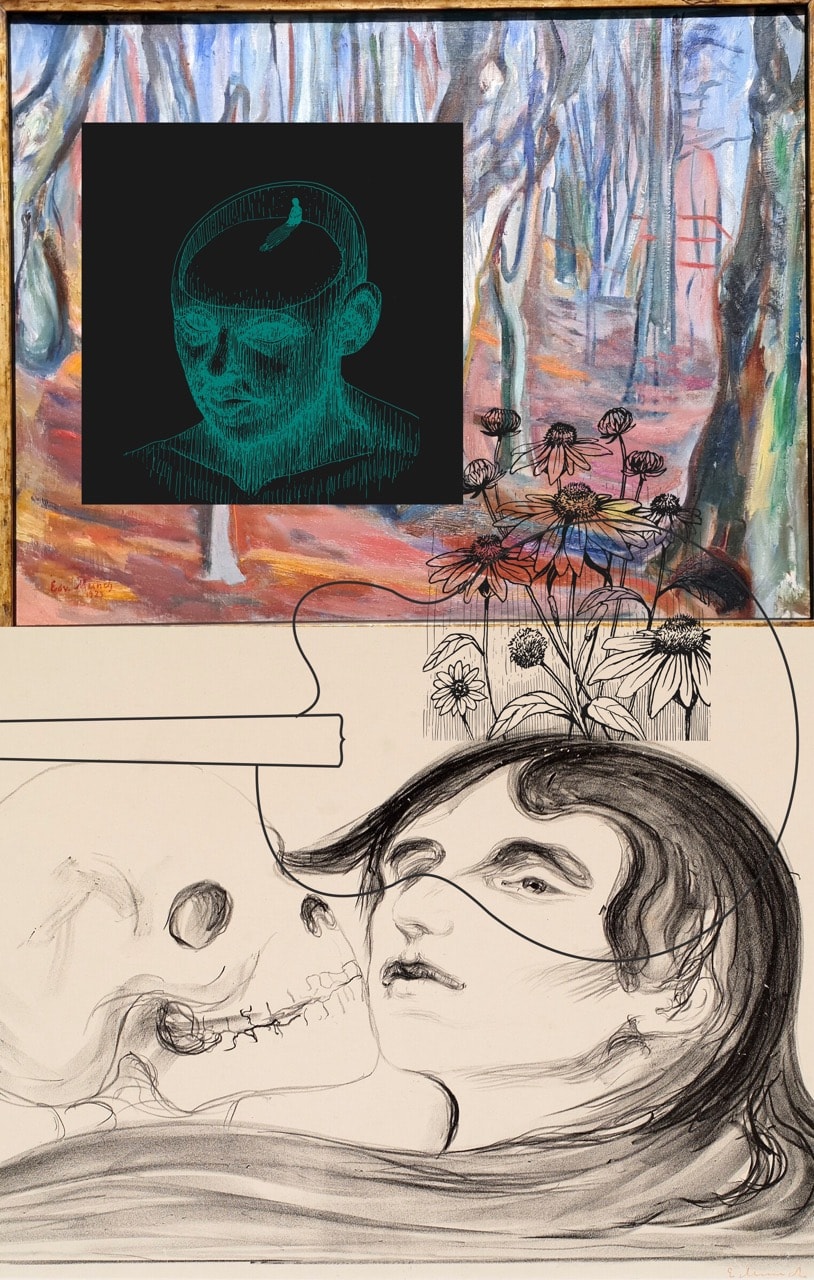
A future paranormal, music-infused mystery. that took 50 years to write. Take Sound Effect Infinity to the pool, the porch, or the middle of nowhere — Electronic download, no shipping, yours to keep.
Full novel · EPUB · Instant download
Promo price for a limited time. Secure checkout · Instant email delivery
What you get
- Complete novel — every page, no abridgment
- iPhone, Android, most e-readers
- Kindle via free Send to Kindle upload
- Download link emailed right after purchase
- Read offline — airplane mode friendly
- Yours forever — no subscription
Three steps
After checkout, we email a personal download link. The file is yours to keep — read offline on the beach, the porch, or wherever summer takes you.
Checkout
Pay $4.99 — ebook only, no shipping form.
Check your inbox
We send a personal download link to the email you use at checkout.
Open on your device
Follow the quick steps for iPhone, Kindle, or your favorite reader.
"Out in the center of the country, belief in anything and everything is now the norm."
— Sound Effect Infinity
By David Biddle · A future paranormal mystery. Puzzles about the real magic of music. Questions about the power of the human mind. Totally off the literary grid.
How to read your EPUB
Your download is a standard EPUB — it works on iPhone, iPad, Android, Kobo, and most e-readers. Kindle readers can use Amazon’s free Send to Kindle upload.
iPhone & iPad
Apple Books (recommended)
- Open your purchase email on your iPhone or iPad and tap Download eBook (use Safari if possible).
- When the EPUB downloads, tap the file in Safari’s download manager, or find it in the Files app under Downloads.
- Tap Share, then choose Books (or Open in Books). If you don’t see Books, scroll the app row and tap More.
- Open the Books app — Sound Effect Infinity will be on your library shelf, ready to read offline.
Tip: add the book to a Collection in Books so it’s easy to find on vacation.
Kindle
Send to Kindle (EPUB)
- On a computer or phone, open amazon.com/sendtokindle (Send to Kindle) and sign in.
- Choose Upload, then select the EPUB you downloaded from your purchase email.
- Turn on your Kindle or open the Kindle app — sync, and the book appears in your library.
Most Kindle devices and apps from 2022 onward accept EPUB via Send to Kindle. Very old Kindles may need a converted file — use Send to Kindle and Amazon will convert when needed.
Android phone or tablet
Google Play Books or another reader
- Download the EPUB from your purchase email.
- Open the file and choose Google Play Books when prompted, or upload at play.google.com/books (Upload).
- Alternatively, install PocketBook, Moon+ Reader, or any EPUB app and open the file from Downloads.
Kobo, desktop, and other devices — see the full guide below.